

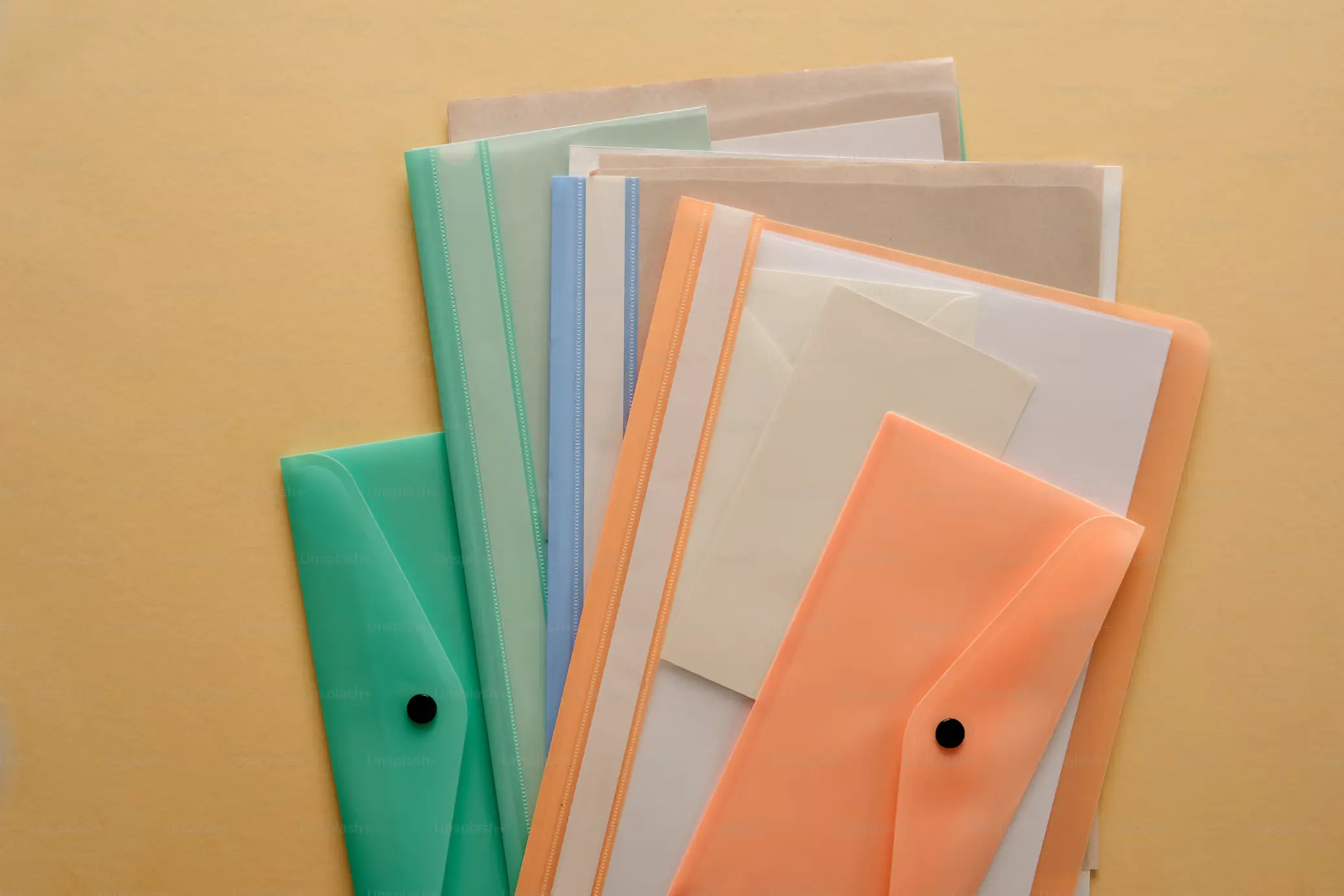
Paperwork does not look like a plastic problem. It is paper, after all. But look at how documents are actually handled at home and in small offices and the plastic shows up fast: clear sleeves, laminated pages, binder covers, toner cartridges and the packaging that printer supplies arrive in. Most of it is used briefly and then thrown away, and plastic does not simply disappear once it leaves the bin. That add to plastic waste from paperwork!
The easiest way to cut it back is to stop reprinting files just to change them. Using pdfFiller’s PDF to Word tool turns a locked or scanned PDF into an editable Word document, so corrections happen on screen and the extra printout, the plastic folder and the laminated copy never get made.
Quick Answer: Does Paperwork Add to Plastic Pollution?
Yes, though the paper is rarely the culprit. The plastic comes from transparent sleeves, laminated pages, printer cartridges and supply packaging. Editing, signing and sharing documents digitally removes most of it at the source.
Where Does the Plastic Hide in Paperwork?
A single form can set off a chain of plastic use. It gets printed, slipped into a clear sleeve, filed in a plastic-covered binder, laminated for the wall and copied again for the car. Add the toner or ink cartridges needed to print all of that, plus the wrapping they ship in, and one household form starts to carry a surprising amount of plastic.
Nobody tracks this because each item feels small. That is exactly why it is worth a second look. Plastic-free living is mostly about noticing where waste hides, and the home office is one of those places.
Which Paperwork Items Contain Plastic?
Sheet protectors, laminating pouches, binder covers, printer cartridges, window envelopes and some coated papers all contain plastic, and most of them cannot go in your kerbside recycling bin.
| Item | Plastic type | Kerbside recyclable? | Swap |
|---|---|---|---|
| Sheet protectors (clear sleeves) | Polypropylene (PP) or PVC | No. Thin film jams sorting machines, and PVC contaminates other plastics. | Card or kraft paper document wallets, or a digital folder |
| Laminating pouches | PET film with an EVA adhesive layer, fused to the paper | No. The plastic and paper cannot be separated, so the whole page is landfill. | Skip laminating. Use a glass picture frame for wall charts, or keep a copy on your phone. |
| Binder covers | PVC or PP over cardboard, with steel rings | No. Mixed materials cannot be sorted at the facility. | Cardboard binders with steel rings, or digital folders |
| Toner and ink cartridges | Plastic shells (commonly ABS, polystyrene or PP). Laser toner itself is a fine polymer powder. | No. Return them through a take-back program such as Planet Ark’s Cartridges 4 Planet Ark or the manufacturer’s own scheme. | Refillable ink-tank printers, cartridge refills, or simply printing less |
| Window envelopes | Paper with a plastic film window (often PET or polystyrene) | Often accepted, but rules vary by council. Tear the window out to be safe. | Switch bills and statements to email, or use plain or glassine-window envelopes |
| Glossy or plastic-coated paper | Either a clay coating (not plastic) or a laminated plastic film (often BOPP) | Clay-coated: usually yes. Film-laminated: no. Tear it: if a clear film peels away, it is plastic. | Uncoated recycled paper |
Recycling rules vary by location. Check your local council or recycling program before you put any of these in the bin.
Why Reduce Plastic Waste from Paperwork Matter?
Most plastic does not go away. It breaks into smaller and smaller pieces, and pieces under five millimeters long are called microplastics. Sleeves, laminated pages and packaging that end up in landfill or the environment are part of that supply.
Laser toner is itself a fine plastic powder (styrene-acrylate or polyester resin, roughly 5 to 10 µm). By definition that makes it a microplastic and studies shows this (1).
Cutting the number of plastic items you buy and discard is one of the few steps that works before the problem starts, not after.

How do I edit a PDF without Printing it?
People print because a PDF will not let them change anything. The habit is to print it, write on it and scan it back in, which uses paper, ink and often a plastic sleeve to keep the marked-up copy tidy. A PDF editor removes that loop.
In pdfFiller, you can edit text and content directly inside a PDF, add images, comments, stamps and annotations, and rearrange or merge pages. If a file is a scan, OCR turns it into editable text, so you do not have to retype it from a printout. A property manager updating a lease template or a parent correcting a school form can finish in one sitting, with no second print run and nothing to laminate.
Related: How to Be an Eco-Friendly Student: 5 Easy Ways to Reduce Plastic Waste
Are e-signatures Legally Valid?
Forms are where paper, and the plastic that goes with it, piles up fastest. A fillable form lets you type answers into the fields, so nothing has to be printed, handwritten and scanned. When it is complete, you can eSign it and send it on for the next signature.
Electronic signatures are legally recognized in the U.S. under the ESIGN Act and UETA, and pdfFiller says its eSignatures comply with those laws as well as eIDAS and GDPR.
Everyday examples include rental applications, HR onboarding paperwork and insurance claims. Because pdfFiller also works on iOS and Android, a contractor can complete a field form from a job site without carrying a clipboard and a sleeve of copies. According to pdfFiller, its library of over 100,000 form templates means many common forms are ready to fill and sign.
Keep Files Organized Without Binders
A binder full of sleeves is the classic home for paperwork, and the classic source of plastic. A digital folder does the same job with none of it. Merge related pages into one file, split a large document into parts, and rearrange pages so a packet reads in the right order. A compare feature helps when two versions of a contract look identical but are not.
Security matters as much as tidiness. According to pdfFiller, it uses 256-bit AES encryption in transit and at rest, supports two-factor authentication, and keeps documents in the user’s private account, where they are not shared with third parties or used to train AI models. A steady naming habit, such as the year, the document type and the person involved, keeps everything easy to find.
Share Documents Without Making Extra Copies
Handing over or mailing paper copies means more printing, more envelopes and often more plastic packaging. Digital sharing avoids that. With LinkToFill, a document becomes a public web link that collects signatures and data, which suits a club registration or an event waiver where many people need to complete the same form.
For a private document, pdfFiller lets you add password protection, extra signer authentication and expiry dates. Its Audit Trail records who viewed, edited, signed or shared the file, with timestamps and IP addresses, so you keep a clear record without photocopying anything.
Alt text: PDF documents can be filled out, edited and annotated online with pdfFiller
A Simple Plastic-Free Office Routine
Habits stick when they are small. Plastic waste from paperwork is fully avoidable. Try this order for the next document that lands in your inbox or mailbox. Scan it or save it as a PDF. Convert it to Word if you need to rewrite large parts of it. Edit or fill it on screen. eSign it, send it, and file the final version under a clear name. Delete the drafts.
If you already own sleeves, binders and a laminator, keep using them until they wear out. Throwing working items away just to go digital creates its own waste. The aim is simply to stop buying and making more.
When it is time to replace them, choose cardboard binders, steel paper clips and refillable pens. Our guide to plastic-free school supplies lists vetted options that work just as well in a home office
FAQ
– Does paperwork really contribute to plastic pollution?
Indirectly, yes. Paper itself is not plastic, but sleeves, laminated pages, binder covers, printer cartridges and the packaging around printer supplies all are. Printing less means buying and discarding less of them.
– Can I edit a PDF without retyping it?
Yes. A PDF editor lets you change text directly inside the file, and a PDF to Word converter produces an editable Word document. Scanned files can be run through OCR, which turns the image of text into text you can edit.
– Are electronic signatures legally recognized in the U.S.?
Yes, under the ESIGN Act and UETA. pdfFiller says it supports eSignatures in line with both laws, plus eIDAS and GDPR, and its Audit Trail shows who viewed, edited, signed or shared a document.
– Is going paperless enough to be plastic-free?
No. It removes one steady source of small, avoidable plastic waste from paperwork, and it works best alongside other changes like reusable containers and fewer disposable items around the home.






Add a comment